Transport
Stop
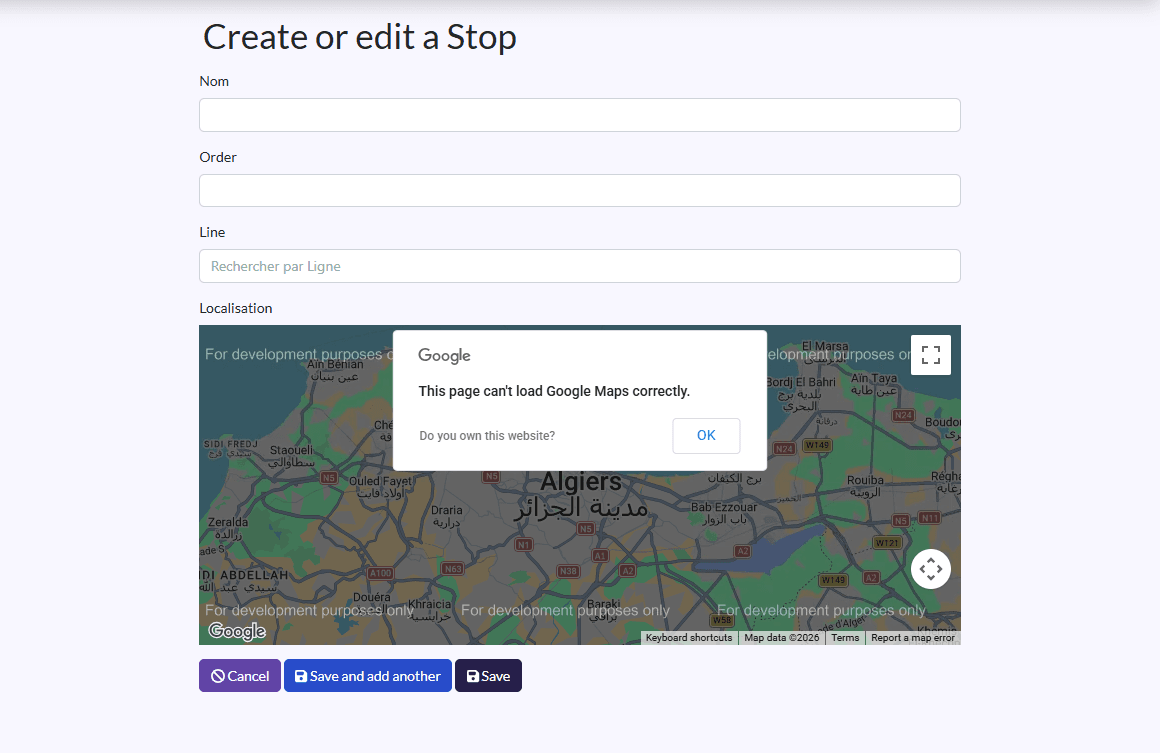
Place each line's stops, in route order, on the map.
- Where to find it
- TransportStop
- Who can use it
- CEOAdmin managerAdminDriver Parents: from the parent app
- Condition
- Only visible if the Transport module is enabled for your school.
Video coming soon Checked on October 3, 2026
Stops mark out each line, in route order.
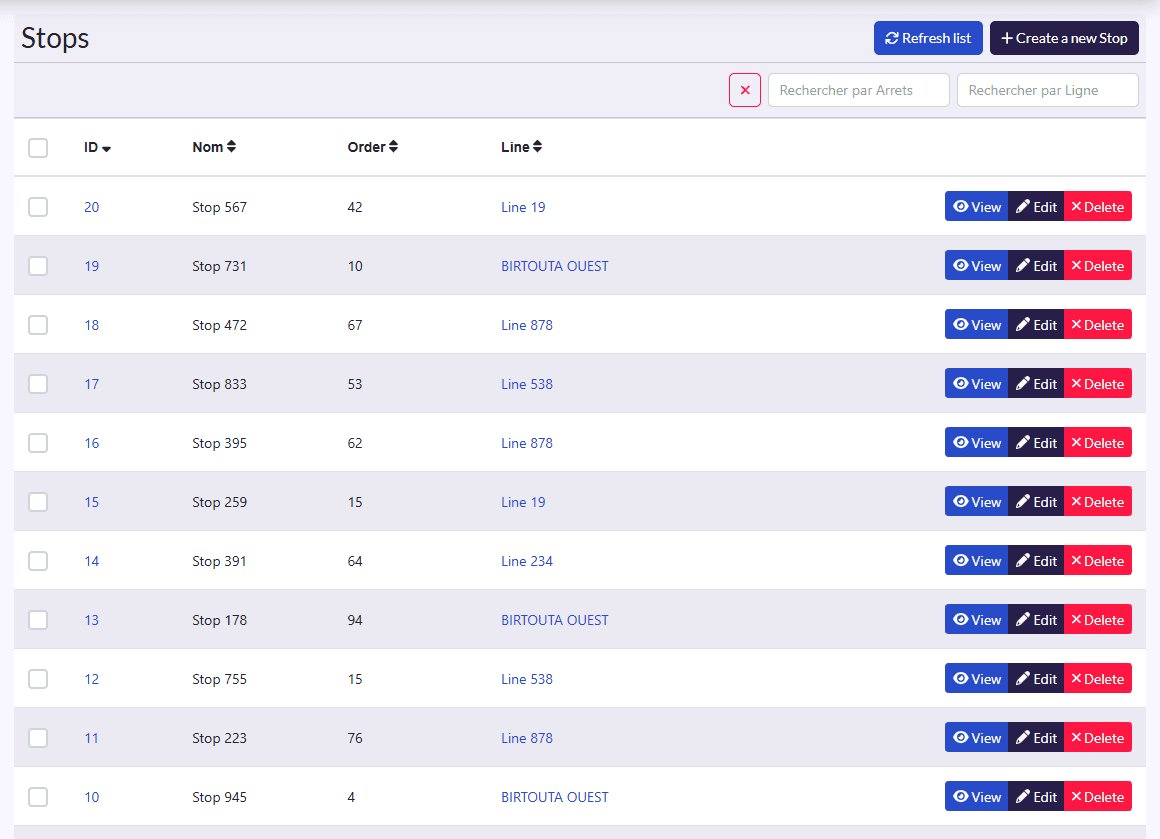
Add a stop
- Click Create a new Stop.
- Fill in the name (field Nom) and the Order (its position on the route: 1, 2, 3…).
- Pick the Line.
- Place the stop on the map (Localisation).
- Click Sauvegarder et créer un/une autre (save and create another) for the next stop.