Setings
Set TheSchool up for your school: name, logo, colours, payments, approvals, permissions and modules.
- Where to find it
- Setings
- Who can use it
- CEOAdmin managerAdmin
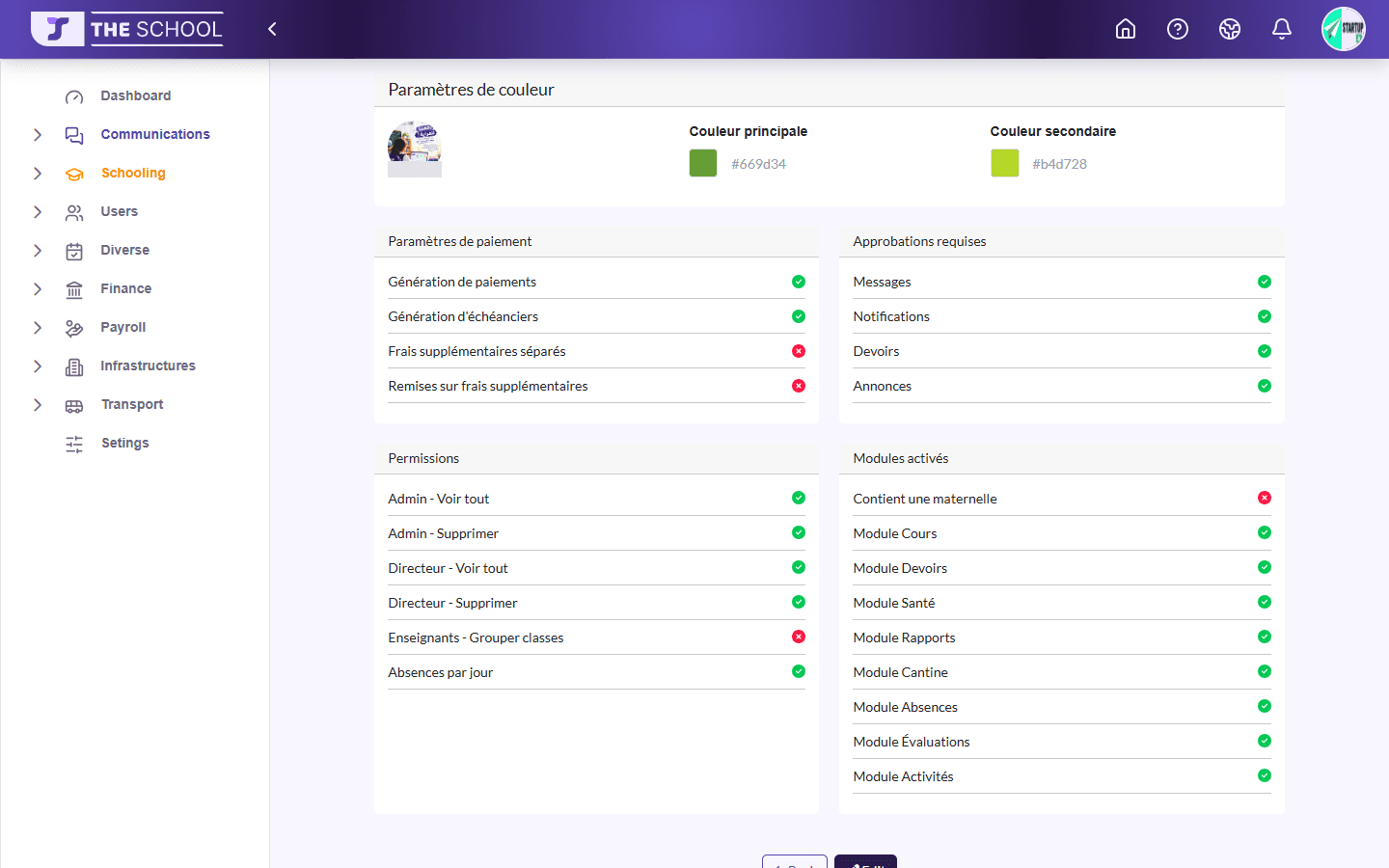
Setings (sic, the app's spelling) sets TheSchool up for your school. The page shows the current settings; Edit opens the settings form.
Screen partly in French
The settings page's section titles show in French in every language (Paramètres de couleur, Modules activés…).
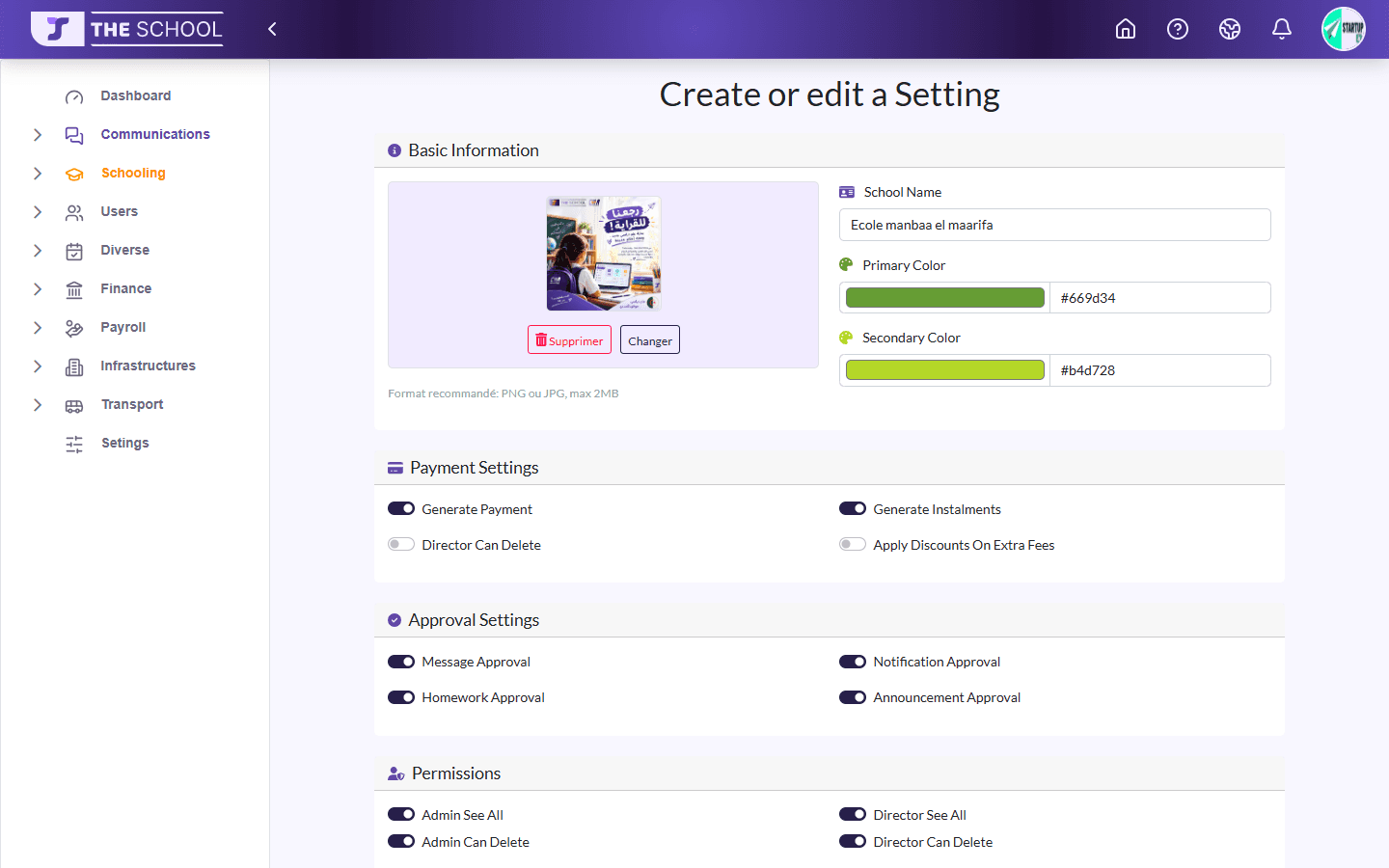
Basic information
The Logo (button to change or remove it), the School Name, the Primary Color and Secondary Color: the app takes on your school's colours.
Payment settings
| Setting | Effect |
|---|---|
| Generate Payment | Each enrolment creates its payment |
| Generate Instalments | The payment is split into instalments |
| Manage extra fees separately | Extra fees get their own instalments |
| Apply Discounts On Extra Fees | Discounts also apply to extra fees |
Approvals
Message Approval, Notification Approval, Homework Approval, Announcement Approval: what is ticked must be approved by management before it is sent to families.
Permissions
| Setting | Effect |
|---|---|
| Admin See All / Director See All | See all annexes' data, not only their own |
| Admin Can Delete / Director Can Delete | Allow deleting |
| Allow Teacher To Group Classes | Lets teachers group classes |
| Absence By Day | Ticked: roll call once a day (Daily Presence). Unticked: at each lesson (Session) |
Enabled modules
Turn the modules on or off: Courses, Homework, Health, Reports, Canteen, Absences, Evaluations, Activities (labels in French). The Finance, Transport and HR & payroll modules are enabled by CHA Solutions according to your subscription.
Click Save to apply.