
FinancePayment Management
Discount Types
Define the discounts (siblings, staff child…) to apply on payments.
- Where to find it
- FinancePayment ManagementDiscount Types
- Who can use it
- CEOAdmin managerAccountantCashierAdmin
- Condition
- Only visible if the Finance module is enabled for your school.
Video coming soon Checked on October 3, 2026
Discount types are the discounts the school grants, as a percentage: siblings, staff child, scholarship… You then apply them on a family's payment.
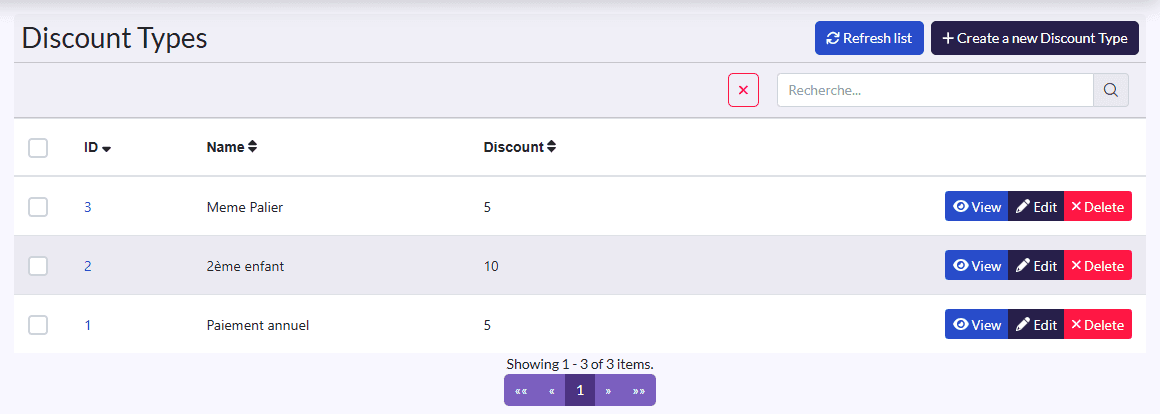
Create a discount
- Click Create a new Discount Type.
- Fill in the Name (Siblings) and the Discount as a percentage (10).
- Click Sauvegarder et créer un/une autre (save and create another) to go on, then Save.
Special prices
An enrolment's total is never typed by hand: for a special price, create the discount here and apply it on the payment.