
FinancePayment Management
Level Fee
Set the tuition amount of each level, the basis of each enrolment's total.
- Where to find it
- FinancePayment ManagementLevel Fee
- Who can use it
- CEOAdmin managerAccountantCashier
- Condition
- Only visible if the Finance module is enabled for your school.
Video coming soon Checked on October 3, 2026
Level fees set the tuition amount of a level, for a school and a school year. It is the basis of each enrolment's total: total = level fee + extra fees.
Before enrolments
Enter each level's fee before enrolling students: otherwise the enrolments' total is zero.
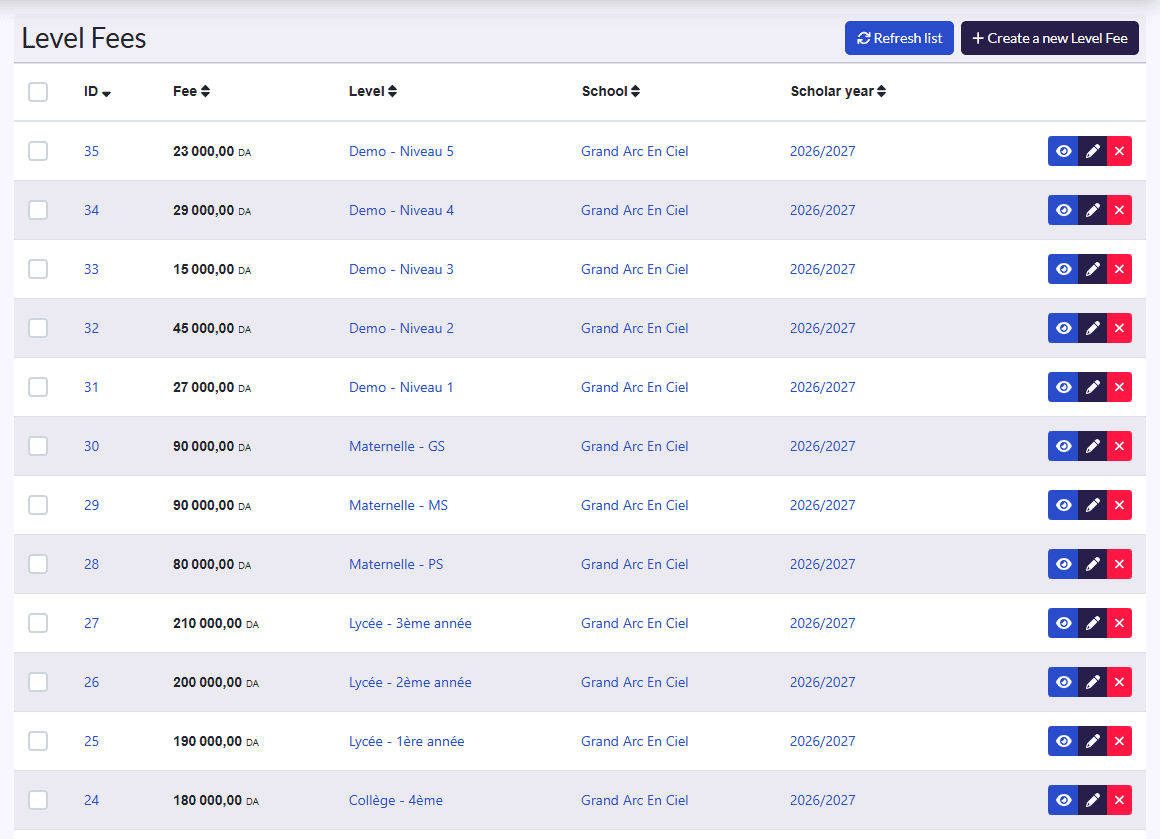
Set a level's fee
- Click Create a new Level Fee.
- Fill in the Fee (in DA).
- Pick the Level, School and Scholar year.
- Click Sauvegarder et créer un/une autre (save and create another) for the next level.