
FinanceCharge Management
Charge
Record the school's expenses and follow them on the dashboard.
- Where to find it
- FinanceCharge ManagementCharge
- Who can use it
- CEOAdmin managerAccountantCashier
- Condition
- Only visible if the Finance module is enabled for your school.
Video coming soon Checked on October 3, 2026
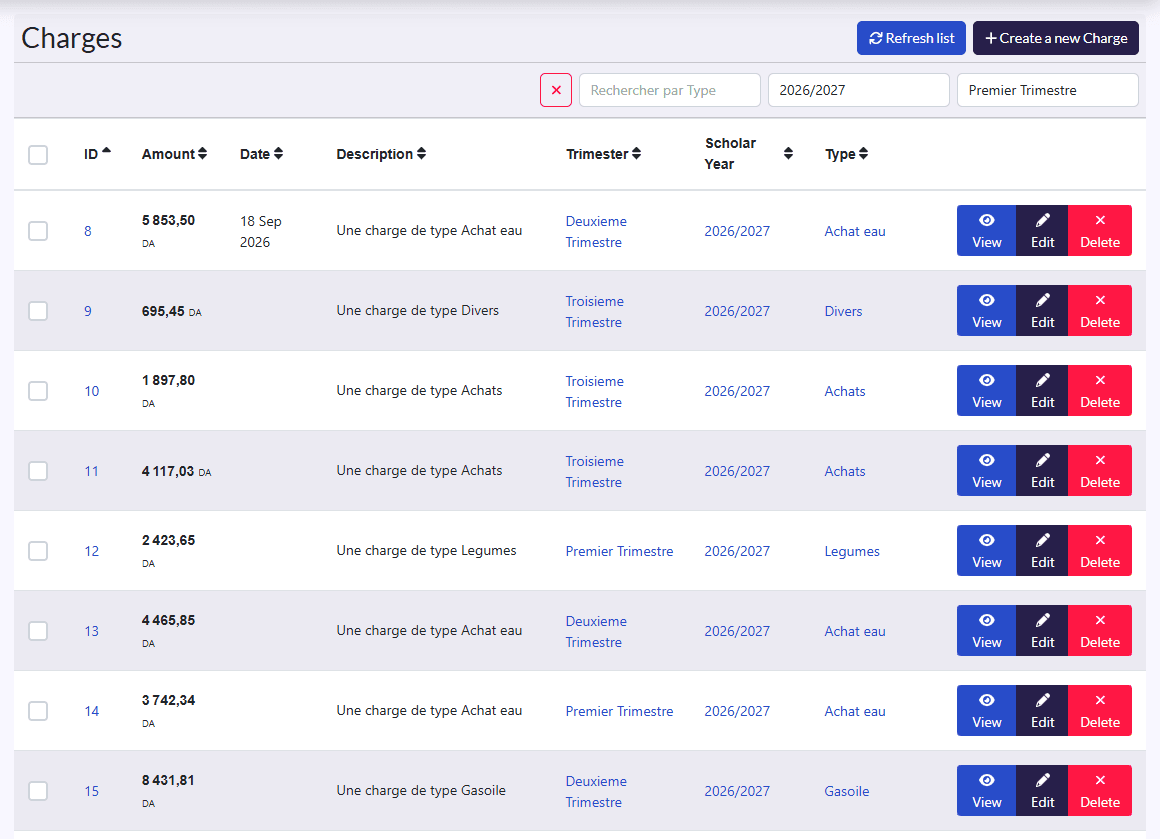
Charges are the school's expenses. They show on the Dashboard: today's, this week's and this month's expenses, and by type over the year.
Record an expense
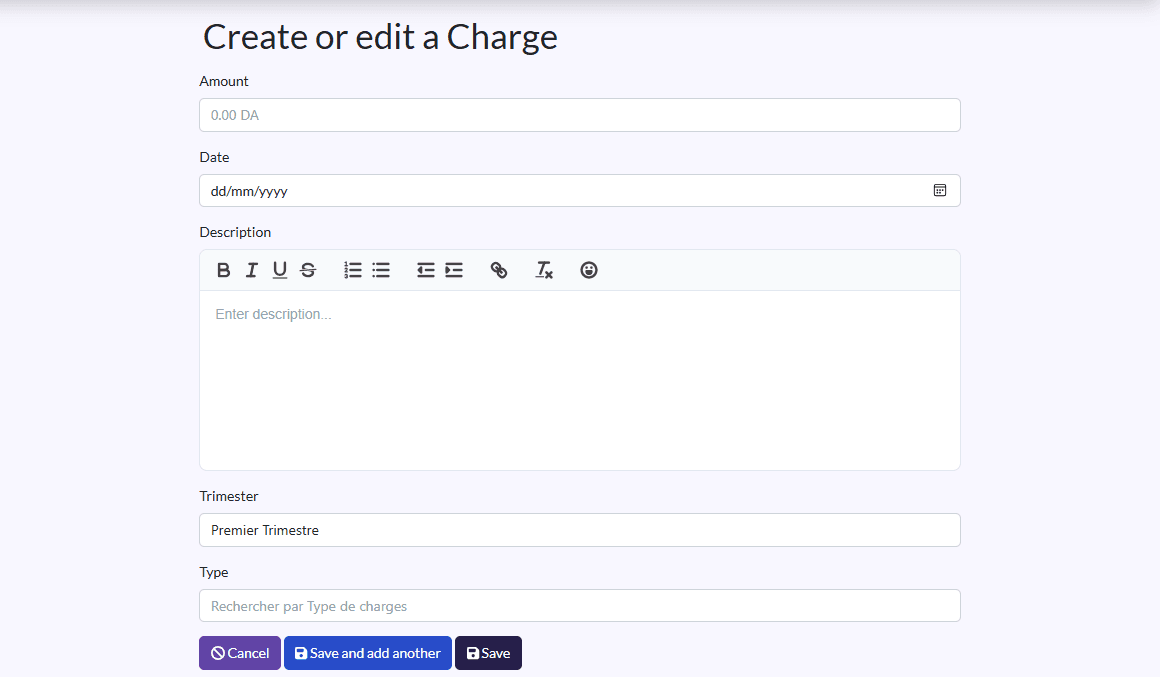
- Click Create a new Charge.
- Fill in the Amount, Date and Description.
- Pick the Trimester, Scholar Year and Type (see Charge Types).
- Click Save, or Sauvegarder et créer un/une autre (save and create another).
The list can be filtered and sorted; on each row: View, Edit, Delete.