
SchoolingExtra
Menu
Save standard menus to reuse in the canteen.
- Where to find it
- SchoolingExtraMenu
- Who can use it
- CEOAdmin managerDirectorAdminHead teacherTeacherAccountantSecretary
Video coming soon Checked on October 3, 2026
A menu is a standard meal saved once (for example “Chicken menu”) and then reused in the Canteen in one click.
Labels on this screen
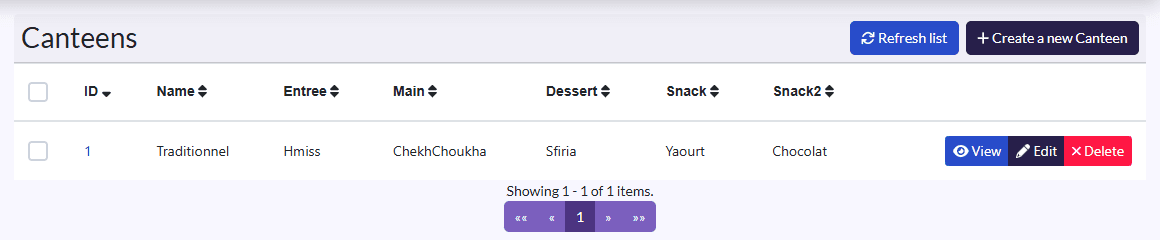
In English, this screen currently shows the Canteen labels (“Canteens”, “Create a new Canteen”). It is the Menu screen all the same.
Create a menu
- Click Create a new Canteen (on this screen, it creates a menu).
- Fill in the Name, then Entree, Main, Dessert, Snack and Snack2.
- Click Save.
On each row of the list: View, Edit, Delete.
Managing menus is reserved for the CEO, head administrator, director and administrator.