
Communications
Announcements
Broadcast an announcement to whole groups (parents, teachers…).
- Where to find it
- CommunicationsAnnouncements
- Who can use it
- CEOAdmin managerDirectorAdmin
Video coming soon Checked on October 3, 2026
An announcement goes to whole groups of users, for example all parents or all teachers: back to school, a trip, an exceptional closure…
The screen at a glance
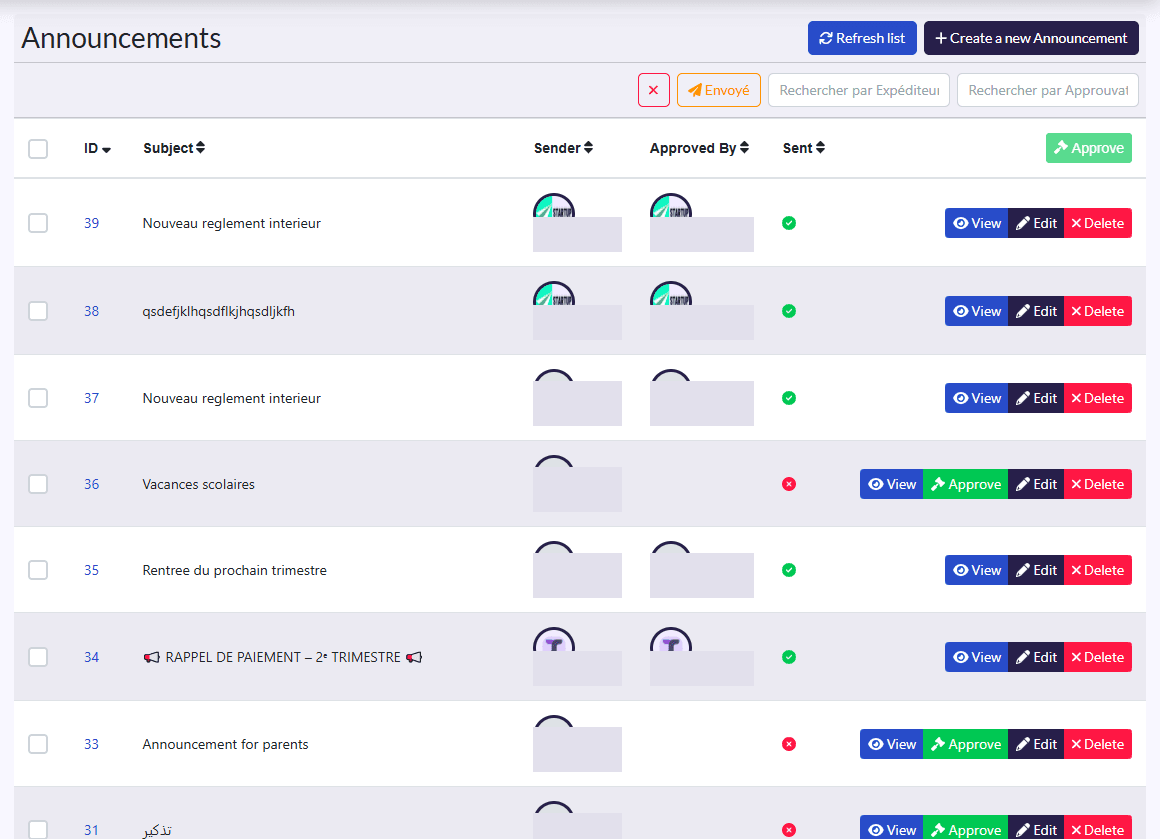
- Columns: ID, Subject, Sender, Approved By, Sent.
- Actions: Refresh list, Create a new Announcement; on a selection, Approuver (approve); on each row View, approve, Edit, Delete.
Create an announcement
- Click Create a new Announcement.
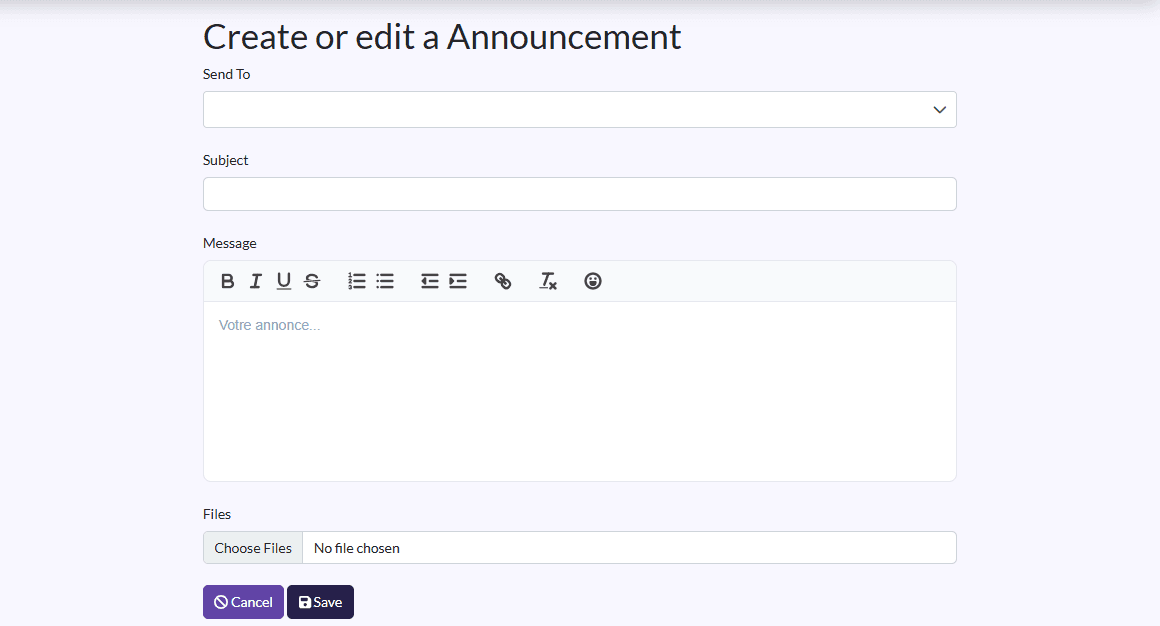
- In Send To, pick one or more groups (Parents, Teachers…).
- Fill in Subject and Message, and attach Files if needed.
- Click Save.
Approve
If announcement approval is on in Setings, tick the announcement and click Approuver. Its page (View) shows who approved it and when (Approved By, Approved At).