
Infrastructures
Scholar Year
Create the school year and activate it: every list only shows the active year.
- Where to find it
- InfrastructuresScholar Year
- Who can use it
- CEOAdmin managerDirectorAdmin
Video coming soon Checked on October 3, 2026
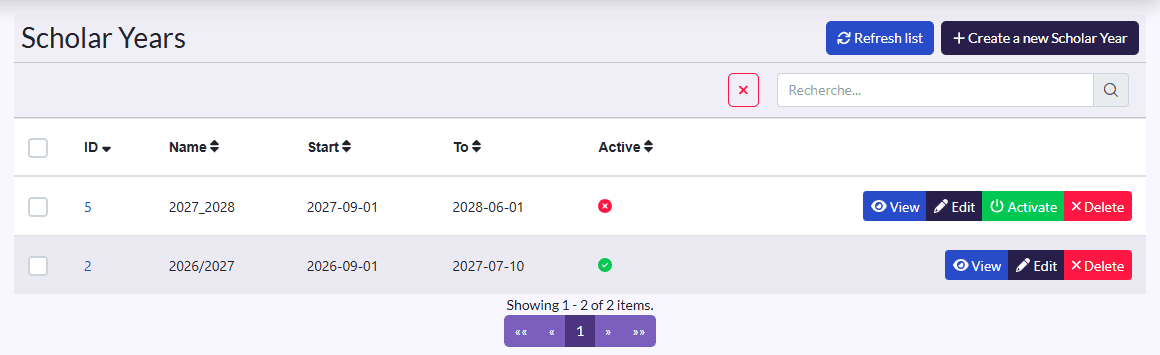
The school year frames the school's work. Only one is active at a time, and every list (enrolments, attendance, evaluations…) only shows its data.
Create the year
- Click Create a new Scholar Year.
- Fill in the Name (2026-2027), the Start and the end (To).
- Click Save.
Move to the new year
At the start of the year, click Activer (activate) on the new year's row: the Active column changes and every list switches to the new year. Then create its trimesters and classes, and graduate your students.