
Infrastructures
School
Create the school: name, code, logo, address and position on the map.
- Where to find it
- InfrastructuresSchool
- Who can use it
- CEOAdmin managerAdmin
Video coming soon Checked on October 3, 2026
The school is the first thing to create: everything else (annexes, rooms, classes…) belongs to it.
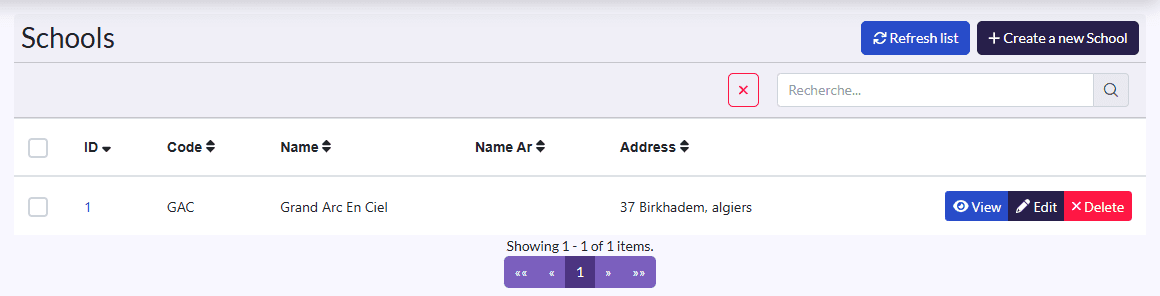
Create the school
- Click Create a new School.
- Add the Logo, then fill in the Name, Code and Description.
- Fill in the Address and place the school on the map in Localisation.
- Tick Is Kindergarten for a nursery or kindergarten.
- Click Save.
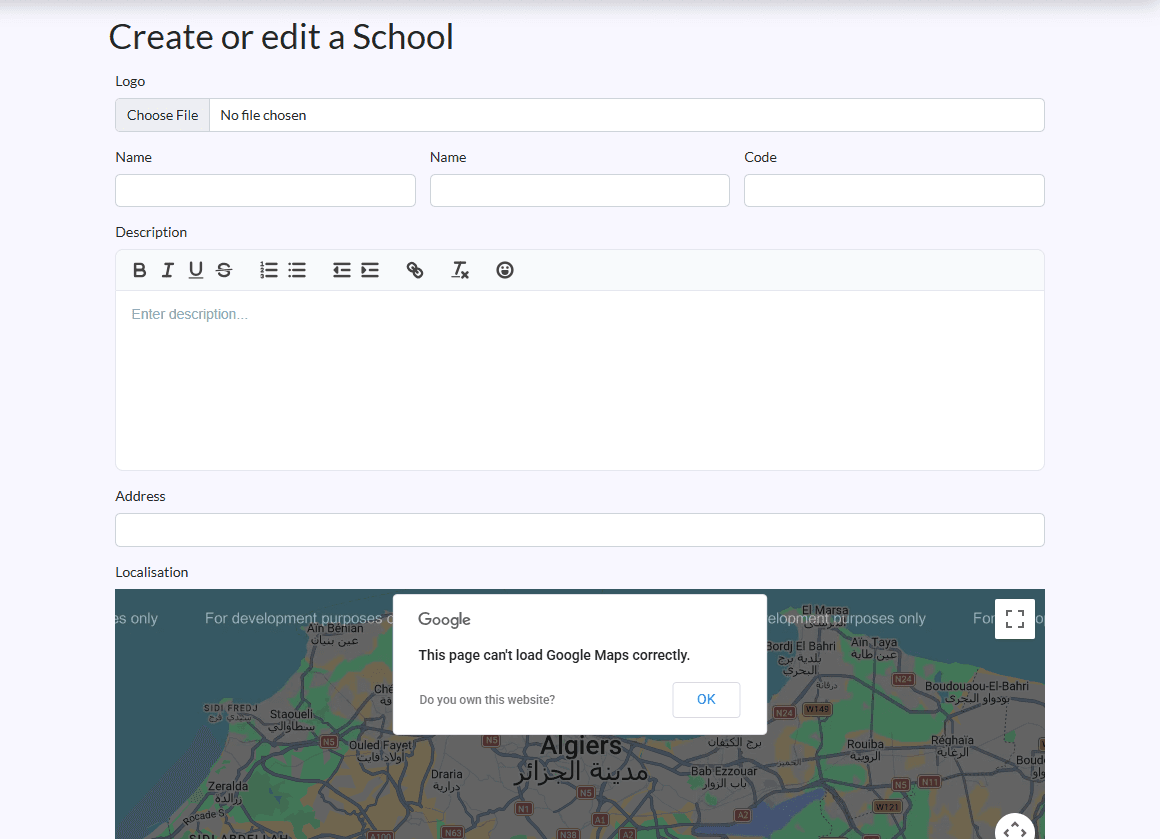
The school Code shows in drop-down lists (classes, annexes) to tell your schools apart. The Arabic name (Name Ar) shows in the list.