
Infrastructures
Class
Create the year's classes (level, room), view their timetable and print them.
- Where to find it
- InfrastructuresClass
- Who can use it
- CEOAdmin managerDirectorAdmin
Video coming soon Checked on October 3, 2026
A class groups students for a school year: a name, a level and a room (and therefore an annexe).
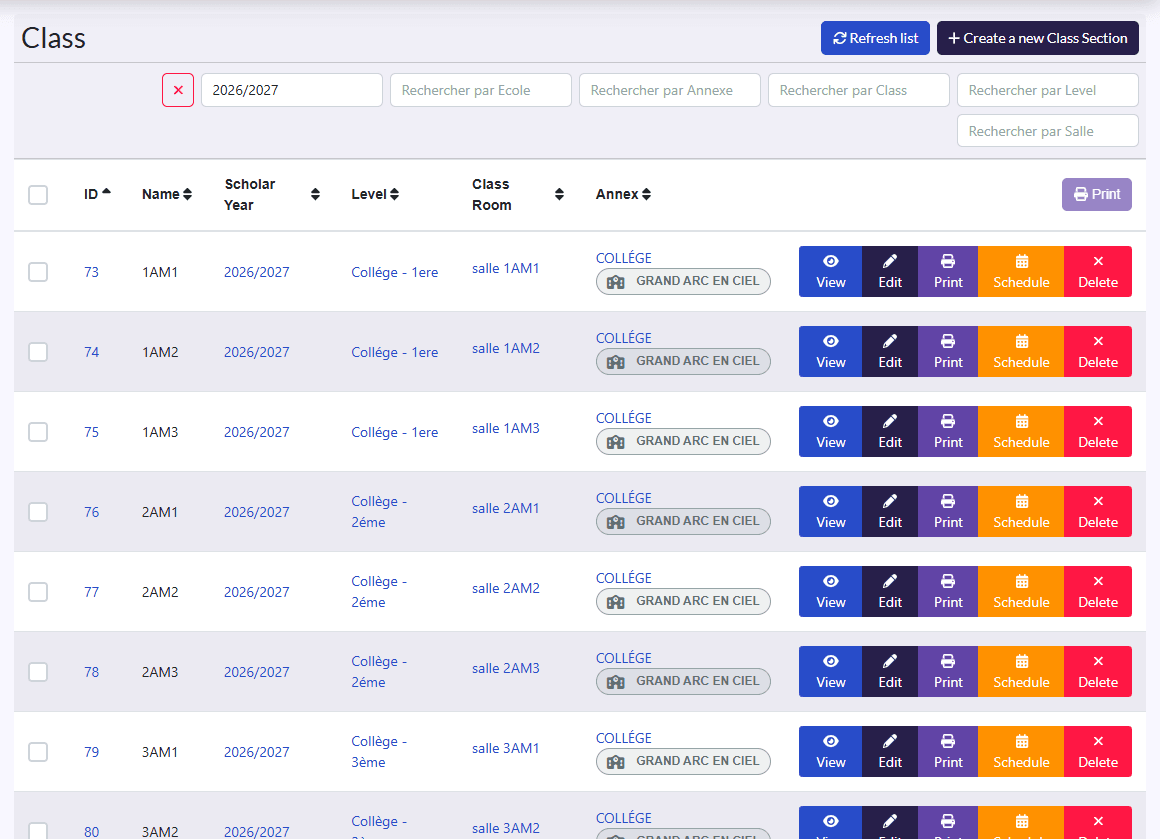
Create a class
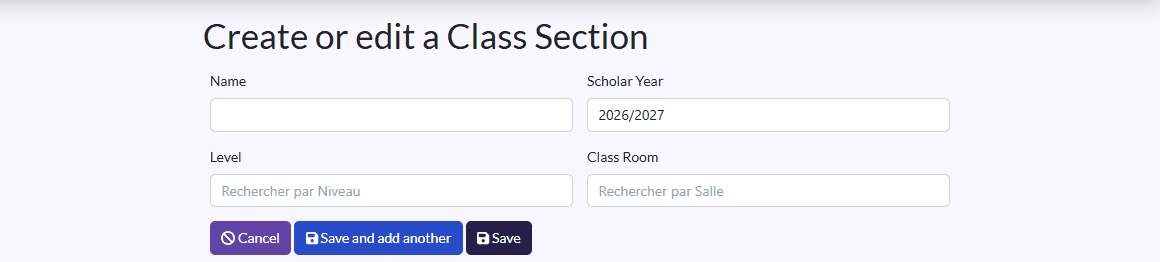
- Click Create a new Class Section.
- Fill in the Name (1st A).
- Pick the Scholar Year, the Level and the Class Room.
- Click Sauvegarder et créer un/une autre (save and create another) to go on.
Parcourir imports classes from an Excel file (see also Import data).
Timetable and printing
On each row: View, the class's timetable (calendar, in the Schedule), Imprimer (print), Edit, Delete.